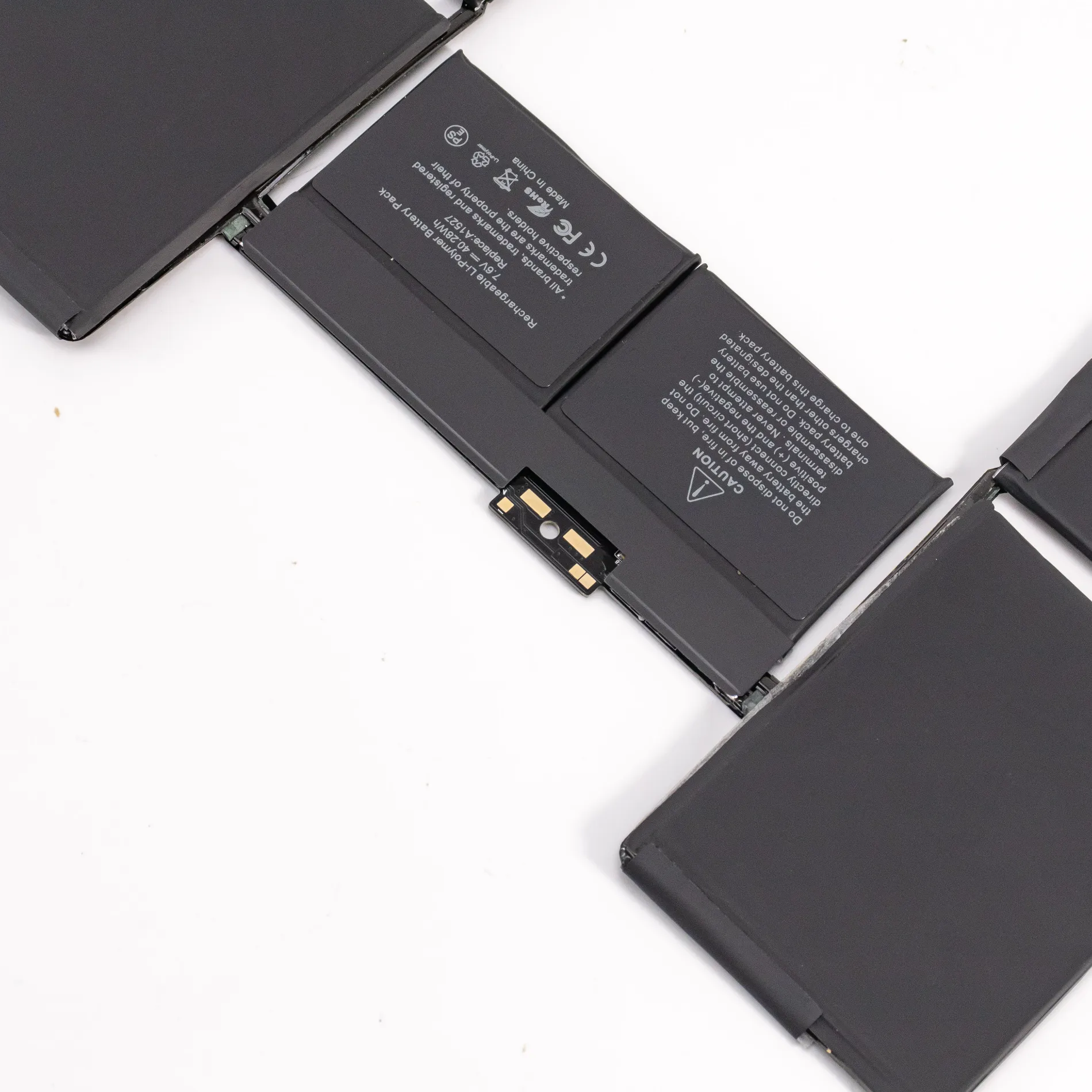
To test the quality of a MacBook battery, you can follow these steps:
- Check the battery health: On your MacBook, click on the Apple menu in the top-left corner and select “About This Mac.” Then click on “System Report” or “System Information.” Under the “Hardware” section, click on “Power.” Look for the “Health Information” or “Battery Information” section to view the current condition of your battery. It will provide details such as cycle count and condition (e.g., Normal, Replace Soon, etc.). A higher cycle count and a battery in good condition indicate better battery health.
- Measure battery capacity: There are third-party software applications available, such as CoconutBattery or iStat Menus, that can provide more detailed information about your MacBook’s battery capacity. These tools can show the maximum capacity compared to the original capacity and help you determine if the battery is still performing well or has degraded significantly.
- Monitor battery usage: Pay attention to how long the battery lasts during normal usage. If you notice a significant decrease in battery life compared to when the MacBook was new, it could be an indication of a degraded battery.
- Perform a battery stress test: You can run a battery stress test to evaluate the performance and endurance of your MacBook’s battery. Several software tools are available, like Battery Life and Geekbench, which stress the battery by running intensive tasks and provide a report on its performance and capacity.
- Consult an authorized service provider: If you have concerns about your MacBook battery’s quality, it’s recommended to reach out to an authorized Apple service provider. They have the expertise and tools to perform professional diagnostics and accurately assess the battery’s health.


 English
  Español
 العربية
 Français
 Deutsch
 Italiano
 Русский
 ไทย
ไทย